Aug 18, 2026Services Overview
Can I Use Canva to Design T-Shirts?
Learn how Canva can help create custom T-shirt designs with easy-to-use tools, templates, and creative features. Discover design tips and steps for turning ideas into professional apparel.
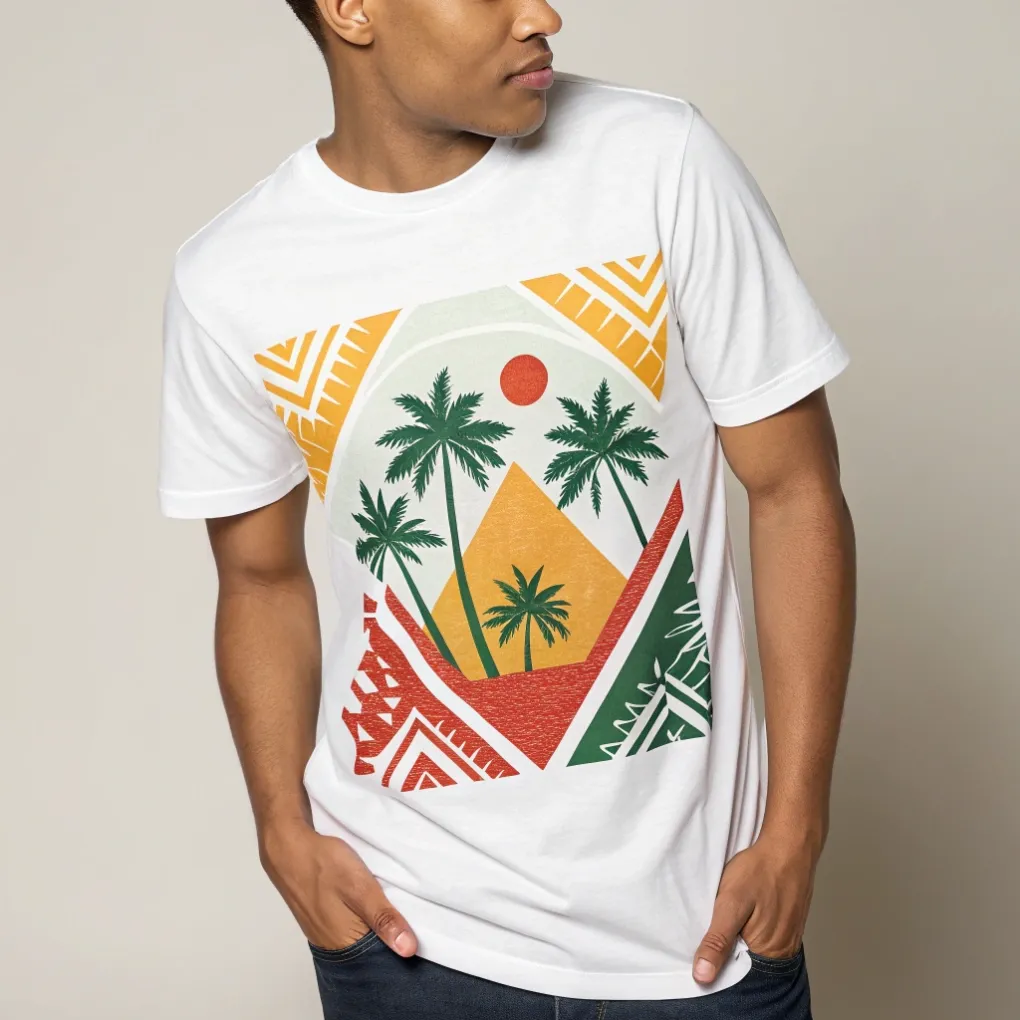
Can I Use Canva to Design T-Shirts?
Are you struggling to create custom apparel designs without spending months learning complicated graphic software? Complex design programs can feel overwhelming, while low-resolution artwork results in blurry, peeling prints on fabric.
Yes, you can use Canva to design t-shirts easily using its built-in apparel templates, rich font library, vector graphics, and transparent PNG export tools. To ensure professional print results, export your artwork at 300 DPI with a transparent background and match your artwork colors with the right garment printing method.
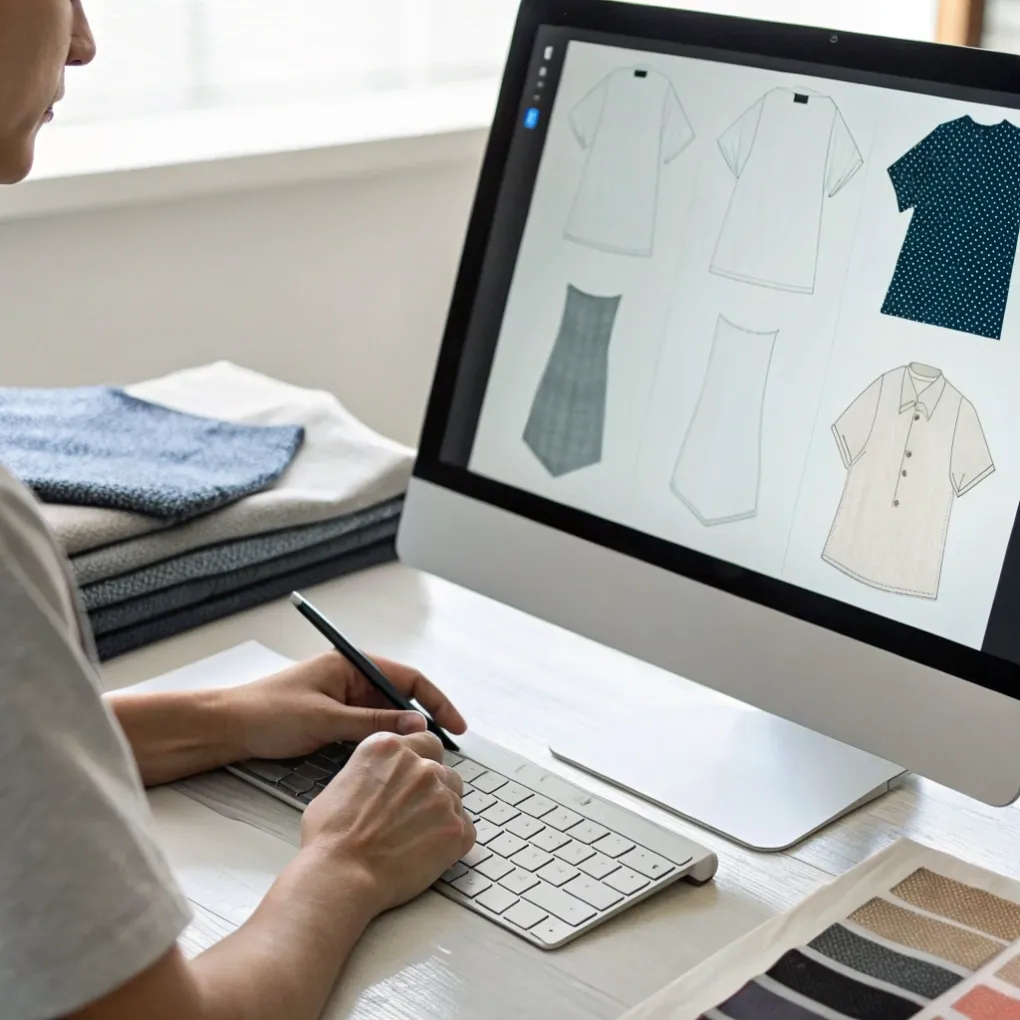
When I started my career in a humble printing factory, I saw clients submit low-quality web graphics created on basic apps that pixelated into blurry messes when scaled up onto shirt screens. Later, I founded Latitude Experience Pte Ltd to help marketing managers and business owners navigate custom apparel and promotional merchandise with complete confidence. Canva is an accessible creative tool, but turning a digital screen layout into a high-quality physical shirt requires production knowledge. Keep reading to learn how to design t-shirts in Canva, evaluate profitability, and choose the best design programs.
Is Canva Good for Designing T-Shirts?
Are you wondering if Canva offers enough professional features to create commercial-quality apparel graphics? Using the wrong canvas settings or unoptimized templates can leave your physical t-shirts looking flat and amateurish.
Yes, Canva is very good for designing t-shirts, especially for beginners, small business owners, and marketing teams who need clean typography, bold layouts, and quick concepts. With a Canva Pro subscription, you can set custom canvas dimensions (such as 4500 x 5400 pixels), export 300 DPI transparent PNG files, and access thousands of commercial-use elements and vector illustrations.
Pros, Cons, and Key Print Setup Steps
During my decades in product customization and factory press operation, I have evaluated hundreds of customer-submitted Canva files. Canva simplifies typography and layout composition, but you must export your design correctly to avoid print defects.
Always start your canvas at a high resolution—standard print-on-demand and screen print shops recommend a minimum of 4500 x 5400 pixels at 300 DPI. Furthermore, exporting with a transparent background ensures that unwanted white rectangular backgrounds do not print onto dark cotton fabrics.
Canva Feature | Free Version | Canva Pro Version | Impact on T-Shirt Printing |
|---|---|---|---|
Custom High-Res Canvas | Yes (Set custom px) | Yes (Up to high dimensions) | Ensures crisp lines without pixelation |
Transparent Background Export | No (Saves white background) | Yes (One-click transparent PNG) | Critical for printing on colored/black shirts |
SVG Vector Export | No | Yes (Infinitely scalable) | Ideal for screen printing & vinyl cutting |
Premium Graphic Library | Limited | 100M+ Photos & Vectors | Broad selection of commercial-use elements |
Exporting high-resolution transparent files from Canva gives you clean artwork that transfers smoothly onto commercial print setups.
Is T-Shirt Making Profitable?
Are you hesitant to launch a custom t-shirt brand because you fear razor-thin margins or high upfront inventory risk? Entering the apparel market without understanding unit economics and production costs can lead to financial losses.
Yes, t-shirt making is a highly profitable business with average profit margins ranging between 30% and 60%. Profitability depends on your production model—such as print-on-demand (POD), local screen printing, or bulk manufacturing—as well as your garment quality, niche targeting, and brand positioning.
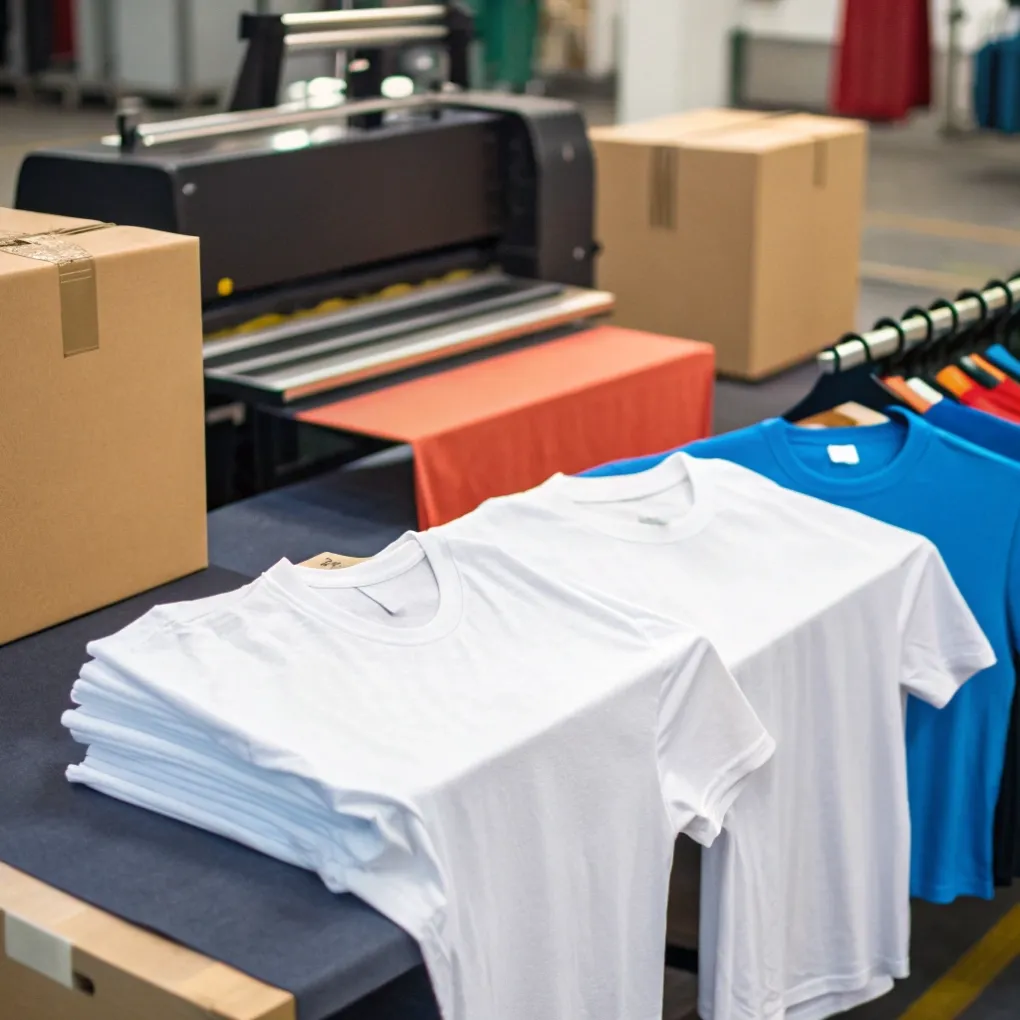
Analyzing Profit Margins Across Apparel Production Models
At Latitude Experience Pte Ltd, marketing managers like Jacky frequently ask me how to maximize ROI on custom apparel campaigns and retail merchandise. In my early factory days, I saw how unit costs drop dramatically as print runs increase.
Print-on-Demand (POD) requires zero upfront inventory, making it low risk, but unit costs are higher (15 per shirt). Bulk manufacturing through screen printing or direct factory runs drops blank and print costs down to 6 per unit, allowing businesses to earn healthy margins when selling at standard retail prices (35+).
Apparel Business Model | Average Production Cost | Retail Price Range | Gross Profit Margin | Upfront Risk Level |
|---|---|---|---|---|
Print-on-Demand (POD) | | | 35% – 50% | Very Low (No inventory) |
Bulk Screen Printing (100+ pcs) | | | 55% – 70% | Moderate (Hold stock) |
Custom OEM Garment Run | | | 65% – 80%+ | High (High MOQs) |
Pairing creative designs with the right production model ensures steady cash flow and sustainable long-term profitability.
What Is the Best Program to Design T-Shirts?
Are you searching for the ideal software to create your clothing graphics, but confused by the differences between vector tools, raster editors, and template platforms? Choosing the wrong software can slow down your workflow and limit your creative freedom.
The best program to design t-shirts depends on your experience level: Adobe Illustrator and CorelDRAW are best for professional vector artwork and color separations, Adobe Photoshop is best for complex photo manipulation, and Canva or Placeit are best for fast, beginner-friendly layouts and typography without a steep learning curve.
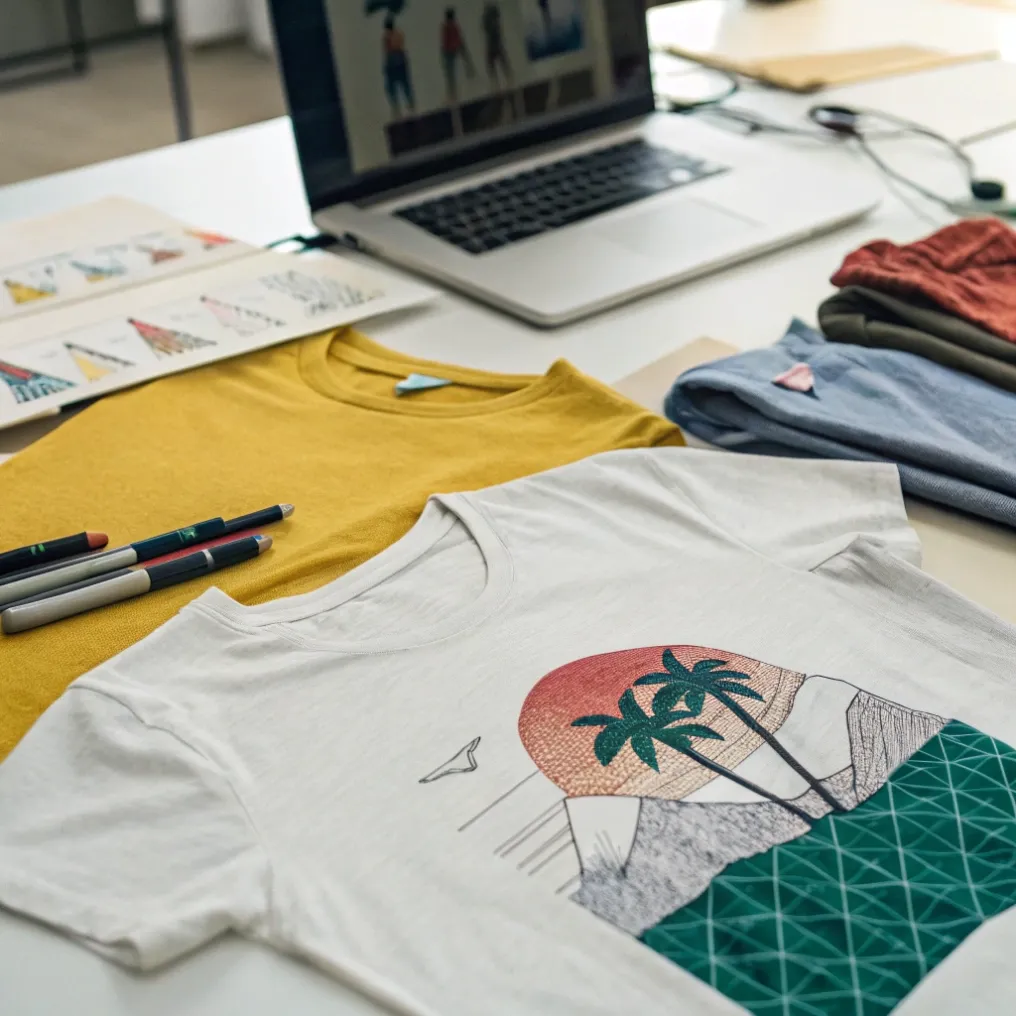
Software Comparison for Custom Apparel
Throughout my career in the printing and branding industry, I have worked with every major graphic software suite. Professional apparel screen printers prefer vector formats (AI, EPS, SVG) because vector lines scale infinitely without losing sharpness and make spot color separation easy on press.
However, for direct-to-garment (DTG) or direct-to-film (DTF) full-color printing, high-resolution PNG files exported from Canva, Photoshop, or Procreate perform exceptionally well on modern textile printers.
Software Program | Best Skill Level | Primary File Output | Key Advantage |
|---|---|---|---|
Canva | Beginner to Intermediate | PNG, PDF Print, SVG (Pro) | Fast, drag-and-drop templates, cloud-based |
Adobe Illustrator | Professional | AI, EPS, SVG, PDF | Industry-standard vector control & color separations |
Adobe Photoshop | Intermediate to Advanced | PSD, TIFF, High-Res PNG | Advanced raster effects, textures, photo blending |
Procreate (iPad) | Intermediate Artists | PSD, PNG, TIFF | Natural hand-drawn illustration and lettering |
Selecting the software that matches your design skills allows you to produce production-ready artwork efficiently and turn your creative ideas into wearable products.
Conclusion
You can use Canva to design t-shirts easily by combining its rich layout tools with high-resolution, transparent 300 DPI exports, turning accessible digital creativity into a profitable, high-quality custom apparel business.